
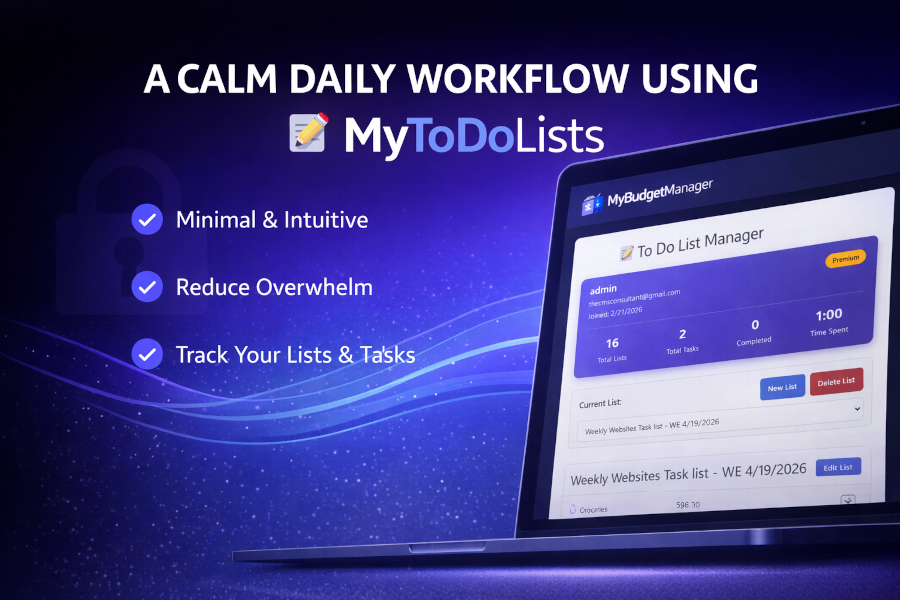
A Calm Daily Workflow Using MyToDoLists
Most to‑do apps make you feel behind before you even start.
Endless lists, overdue tasks, red badges, and pressure disguised as productivity.
MyToDoLists was built to be different — a calm, minimal space where your day feels manageable, not overwhelming. No noise. No guilt. Just clarity.
This article walks you through a simple daily workflow you can use inside MyToDoLists to stay organized without burning out.
Why Most To‑Do Systems Fail
People don’t fail because they’re “bad at planning.”
They fail because their tools create:
- Too many lists
- Too many priorities
- Too much pressure
- Too much friction
MyToDoLists removes all of that.
It gives you a clean, focused space where your day is broken down into what actually matters — nothing more.
The DirectiveOS Approach: Less Pressure, More Clarity
A calm daily workflow has three qualities:
1. It’s simple
No complicated structures. No 12‑step systems.
2. It’s flexible
Your day changes — your list should adapt with you.
3. It’s forgiving
If something doesn’t get done, it rolls forward without shame.
MyToDoLists is designed around these principles.
Step 1: Start With a Daily Reset
Each morning (or the night before), open MyToDoLists and clear your mind.
Ask yourself:
- What absolutely needs attention today?
- What would make today feel successful?
- What can wait?
Add only the essentials.
A calm day starts with a calm list.
Step 2: Use Categories to Reduce Mental Load
Categories help your brain relax by grouping tasks into simple buckets.
Examples:
- Home
- Work
- Errands
- Health
- Personal
- Admin
This keeps your list organized without overthinking.
When everything has a place, nothing feels chaotic.
Step 3: Break Tasks Into Micro‑Steps
Overwhelm comes from tasks that are too big.
Instead of:
- “Clean the house”
Try:
- “Clear kitchen counter”
- “Fold one load of laundry”
- “Take out recycling”
Micro‑steps create momentum.
Momentum creates clarity.
Step 4: Focus on 3–5 Key Tasks
A calm day isn’t about doing everything — it’s about doing the right things.
Choose your top 3–5 tasks and mark them as your “priority set.”
This gives your day direction without pressure.
Step 5: Let the System Carry You
MyToDoLists automatically helps you:
- Move unfinished tasks forward
- Reorganize your day
- Keep your categories clean
- Stay focused without noise
You don’t need to manage the system — it supports you quietly in the background.
A Simple Daily Workflow You Can Start Today
Here’s a calm 5‑minute routine:
- Open MyToDoLists
- Add 3–5 essential tasks
- Sort them into categories
- Break big tasks into micro‑steps
- Close the tab and begin your day
No pressure.
No guilt.
Just clarity.
Try It Yourself
If you want a calmer way to organize your day, open MyToDoLists in a new tab:
Your day deserves a system that supports you — not one that overwhelms you.