
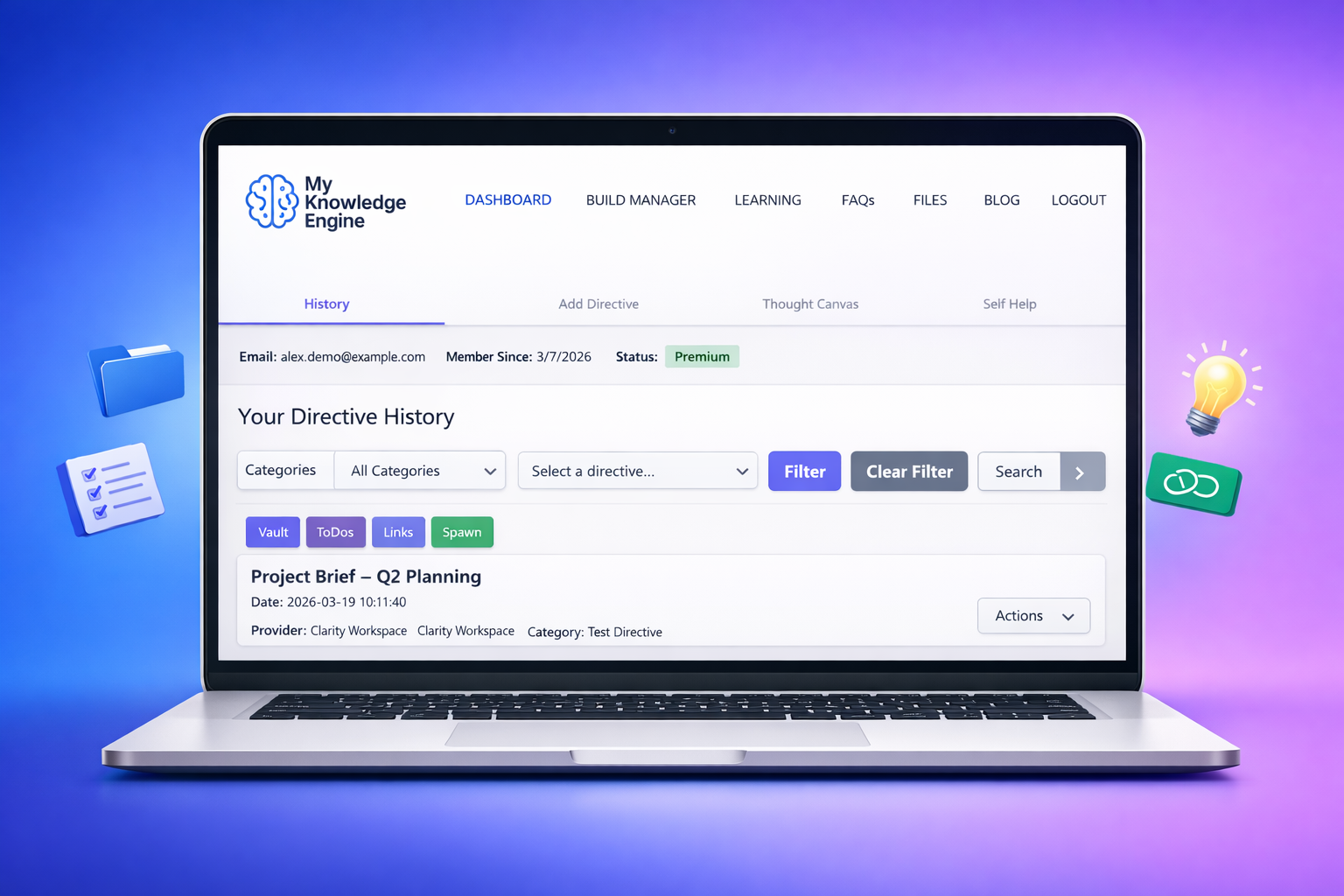
Most people don’t have a “note‑taking problem.”
They have a note‑organizing problem.
Ideas get captured everywhere — in phones, notebooks, sticky notes, voice memos, screenshots, random apps. Over time, the pile grows, and the clarity disappears. You know the information is somewhere, but finding it becomes a chore.
MyKnowledgeEngine was built to solve that.
It gives you a calm, structured way to turn scattered thoughts into organized knowledge — without complexity, without pressure, and without the noise of traditional note apps.
This article shows you how to use MyKnowledgeEngine to transform chaos into clarity.
Why Notes Become Overwhelming
Scattered notes create mental friction:
- You can’t remember where things are
- You rewrite the same ideas over and over
- You lose track of insights
- You feel disorganized even when you’re trying your best
The problem isn’t you — it’s the system.
Most note apps are built for storage, not understanding.
MyKnowledgeEngine is built for meaning.
The DirectiveOS Approach: Notes → Insights
MyKnowledgeEngine helps you move through three simple phases:
1. Capture
Get the idea out of your head quickly.
2. Organize
Sort it into a clean structure that makes sense.
3. Connect
Turn individual notes into patterns, insights, and decisions.
This is how scattered thoughts become a personal knowledge system.
Step 1: Capture Without Judgment
Start by dumping your ideas into MyKnowledgeEngine exactly as they come.
Examples:
- “Idea for a morning routine”
- “Notes from therapy session”
- “Business idea: subscription checklist tool”
- “Reminder to research ADHD routines”
- “Quote I liked: ‘Clarity is a kindness’”
Don’t worry about structure yet.
Just capture.
Step 2: Organize Into Clean Categories
Once you’ve captured a few notes, sort them into simple categories.
Examples:
- Personal Growth
- Work Projects
- Health & Routines
- Ideas & Inspiration
- Learning & Research
The goal isn’t perfection — it’s clarity.
A category is just a container that helps your brain relax.
Step 3: Add Meaning With Tags
Tags help you connect ideas across categories.
Examples:
- “ADHD”
- “Habits”
- “Business”
- “Mental Clarity”
- “Automation”
A note about routines might live in “Health & Routines,” but also carry tags like “ADHD” or “Habits.”
This is how patterns emerge.
Step 4: Review Your Notes Weekly
Once a week, open MyKnowledgeEngine and scan your categories.
Ask yourself:
- What ideas keep repeating?
- What insights stand out?
- What should I act on?
- What can I archive?
This turns your notes into a living system — not a graveyard.
Step 5: Turn Insights Into Action
The final step is where clarity becomes momentum.
Take an insight and turn it into:
- A goal (MyGoalManager)
- A task (MyToDoLists)
- A routine
- A decision
- A plan
This is where the DirectiveOS ecosystem shines — each tool supports the others.
A Simple Example
Let’s say you capture this note:
“I feel calmer when I plan my mornings the night before.”
You tag it with:
- “Habits”
- “Mental Clarity”
- “Routines”
During your weekly review, you notice similar notes.
Suddenly, a pattern appears: You thrive with evening planning.
That insight becomes:
- A new habit
- A new task
- A new routine
- A new goal
This is how scattered notes become self‑understanding.
Try It Yourself
If you want to experience what clarity feels like, open MyKnowledgeEngine in a new tab:
Your thoughts deserve a system that helps you understand them — not one that buries them.