
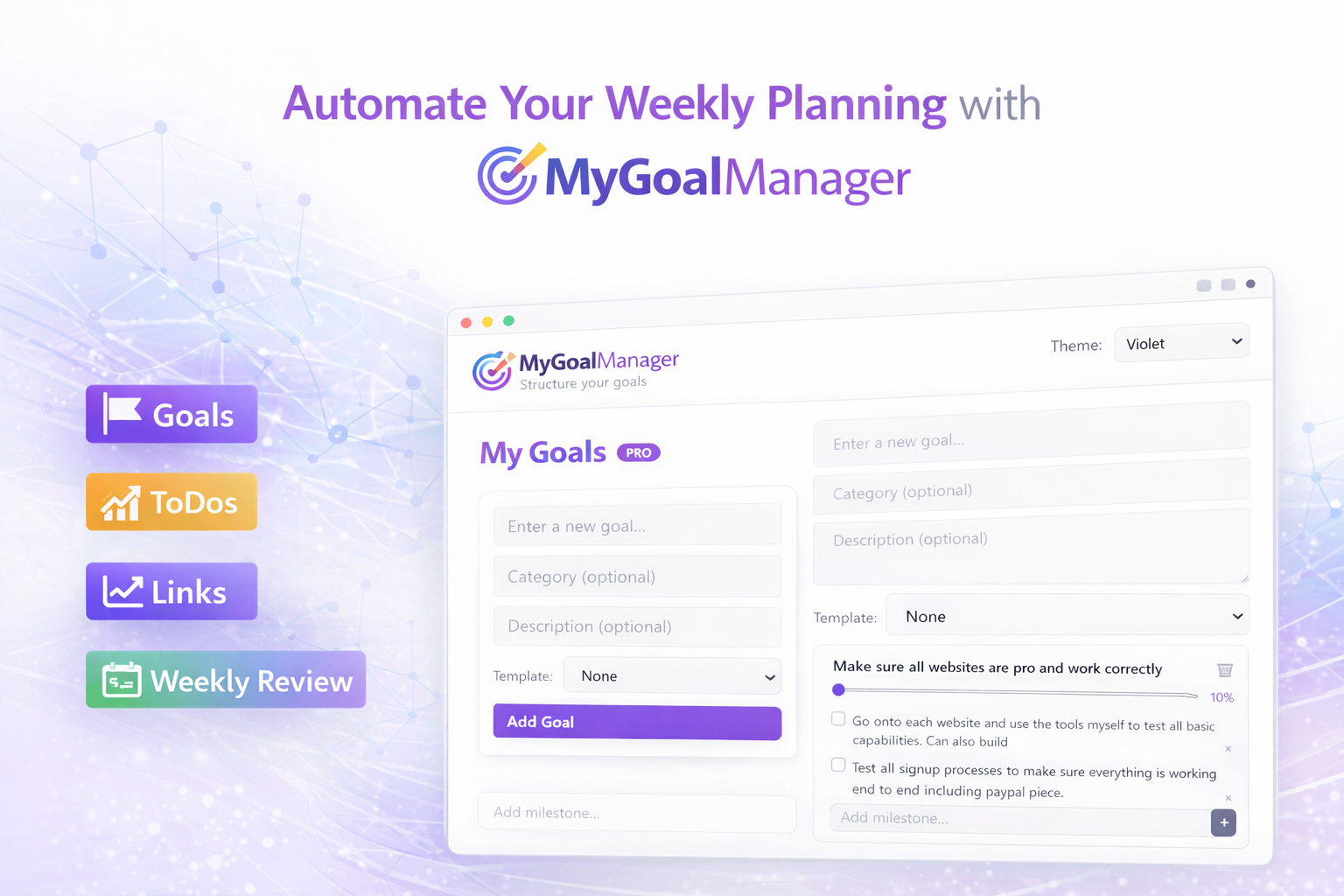
Automate Your Weekly Planning with MyGoalManager
Most people don’t struggle with goals — they struggle with keeping track of them.
Life gets busy, priorities shift, and before you know it, a whole week passes without clarity.
MyGoalManager was built to fix that.
It gives you a simple structure for setting goals, reviewing progress, and staying aligned with what actually matters. No pressure. No noise. Just a calm weekly rhythm that keeps you moving forward.
This article walks you through a clean, repeatable weekly planning workflow you can automate inside MyGoalManager.
Why Weekly Planning Matters
Weekly planning is the sweet spot between daily chaos and long‑term vision.
It helps you:
- Reset your direction
- Reconnect with your goals
- Catch what slipped through the cracks
- Reduce overwhelm
- Make intentional choices instead of reactive ones
A good weekly review doesn’t take long — it just needs structure.
That’s where MyGoalManager comes in.
Step 1: Set Your Core Goals
Start by defining 3–5 goals that matter this season of your life.
Examples:
- Improve physical health
- Build a consistent morning routine
- Grow your freelance income
- Declutter your home
- Strengthen relationships
Inside MyGoalManager, each goal becomes a clean, focused container.
No clutter. No endless sub‑tasks. Just clarity.
Step 2: Break Each Goal Into Simple Actions
Each goal should have a few small, repeatable actions.
For example:
Goal: Improve physical health
Actions:
- Walk 20 minutes
- Drink 2L of water
- Stretch before bed
Goal: Grow freelance income
Actions:
- Reach out to 2 leads
- Update portfolio
- Share one value post
These actions become your weekly anchors.
Step 3: Use the Weekly Review Feature
This is where the magic happens.
Once a week — Sunday night, Monday morning, or whenever feels calm — open MyGoalManager and review:
- What did I complete?
- What didn’t get done?
- What needs adjusting?
- What matters this week?
The interface is intentionally minimal so you can think clearly without distractions.
Step 4: Automate Your Weekly Reset
MyGoalManager lets you automate your weekly planning rhythm.
You can:
- Reset your actions
- Carry forward unfinished items
- Re‑prioritize goals
- Add new micro‑steps
This turns weekly planning into a system, not a chore.
Step 5: Keep It Light
The goal isn’t perfection — it’s consistency.
A weekly review should feel like:
- A breath out
- A moment of clarity
- A reset, not a judgment
MyGoalManager is designed to support that feeling.
A Simple Weekly Ritual You Can Start Today
Here’s a calm 10‑minute ritual you can use:
- Open MyGoalManager
- Review last week’s actions
- Celebrate what you completed
- Move forward anything still important
- Add 1–2 new micro‑steps
- Close the tab and continue your day
That’s it.
No pressure. No overwhelm. Just direction.
Try It Yourself
If you want to experience a calmer weekly planning rhythm, open MyGoalManager in a new tab:
→ Open MyGoalManager
Your goals deserve a system that supports you — not one that stresses you out.